Ask a question
Type your question in natural language in the input field, then submit. No need to know the query language: the assistant takes care of it.
The examples on this page are based on a fictitious demo environment: brands (Brand) produce models (Model) based on platforms (Platform). Each model contains functional assemblies (Assembly) made of parts (Part), purchased through contracts (Contract) negotiated with suppliers (Supplier).
Example:
Which models are built on the Nova platform?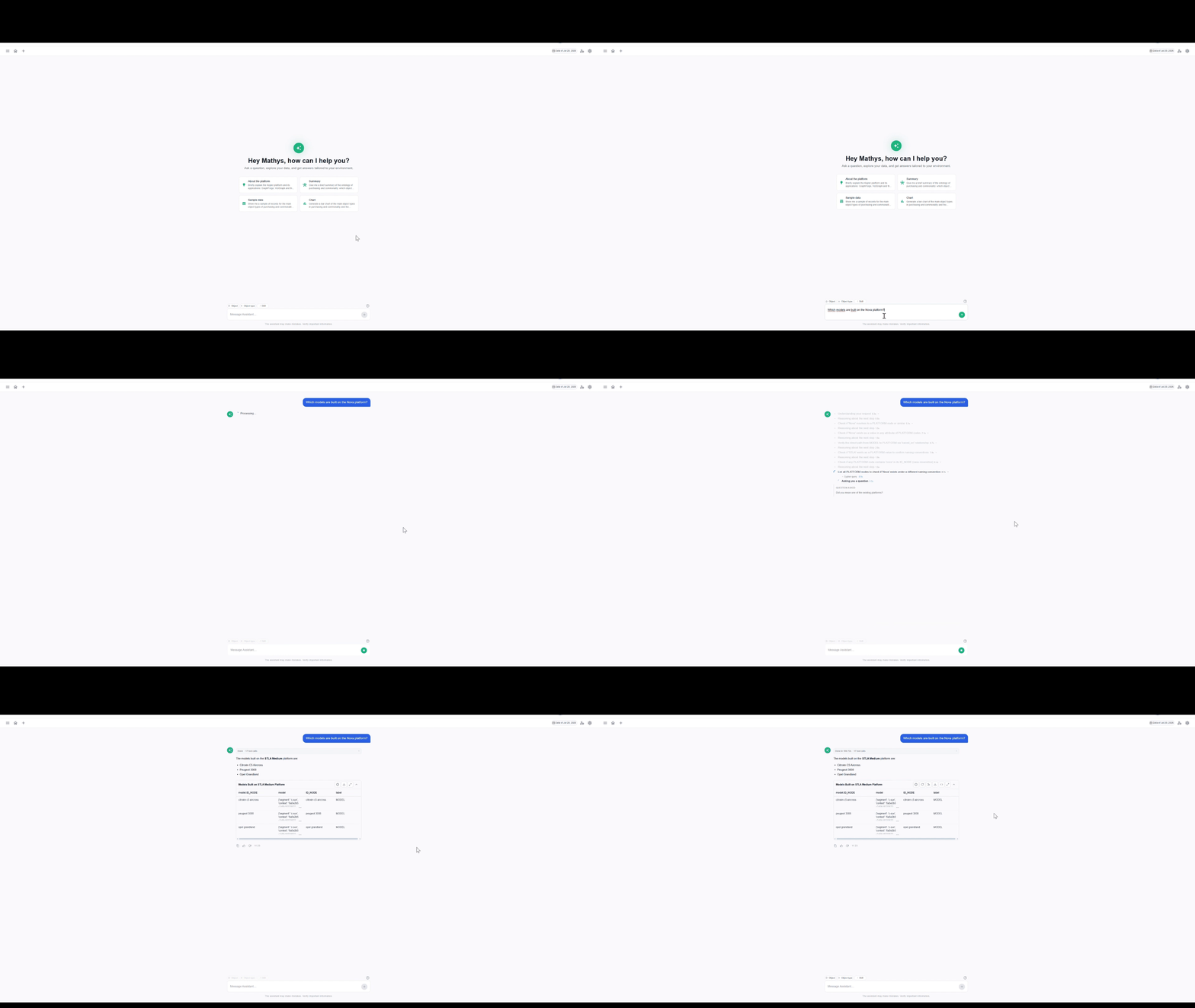
What the assistant does
The assistant does not translate your question into a single query: it works step by step.
- It reads the ontology to find the relevant object and relationship types
- It finds the actual objects matching the names you used
- It generates a Cypher query using Text2Cypher
- It queries the graph and presents the result
Progress messages show you the current step.
Result
Depending on your question, the assistant answers with:
- A table — for a list of records
- A chart — when the data lends itself to it
- Text — for a single value, a yes/no or an explanation
- A question — if your request is ambiguous, a form with clickable options is displayed. Pick an option or use Other to type your own
Tables and charts always come with a written explanation.
Result options
- Open graph — opens the result as a graph [TODO: confirm whether it opens in Explore]
- Refresh — reloads the table data
- Explain — explains the result in plain language
- Download — downloads the result as .xlsx or .csv
- Show Cypher — shows the Cypher query that was run
- Full screen — shows the result in full screen
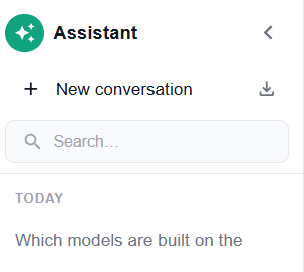
Continue the conversation
Within a conversation, the assistant remembers what has already been established. You can therefore chain short questions:
Which models are built on the Nova platform?And on the Atlas platform?Show it as a chart.When you change topic, start a New conversation to start from scratch.
@Object
Type @ followed by an object’s name to target a specific object of the graph in your question.
Example:
Which models use the part @ABS-100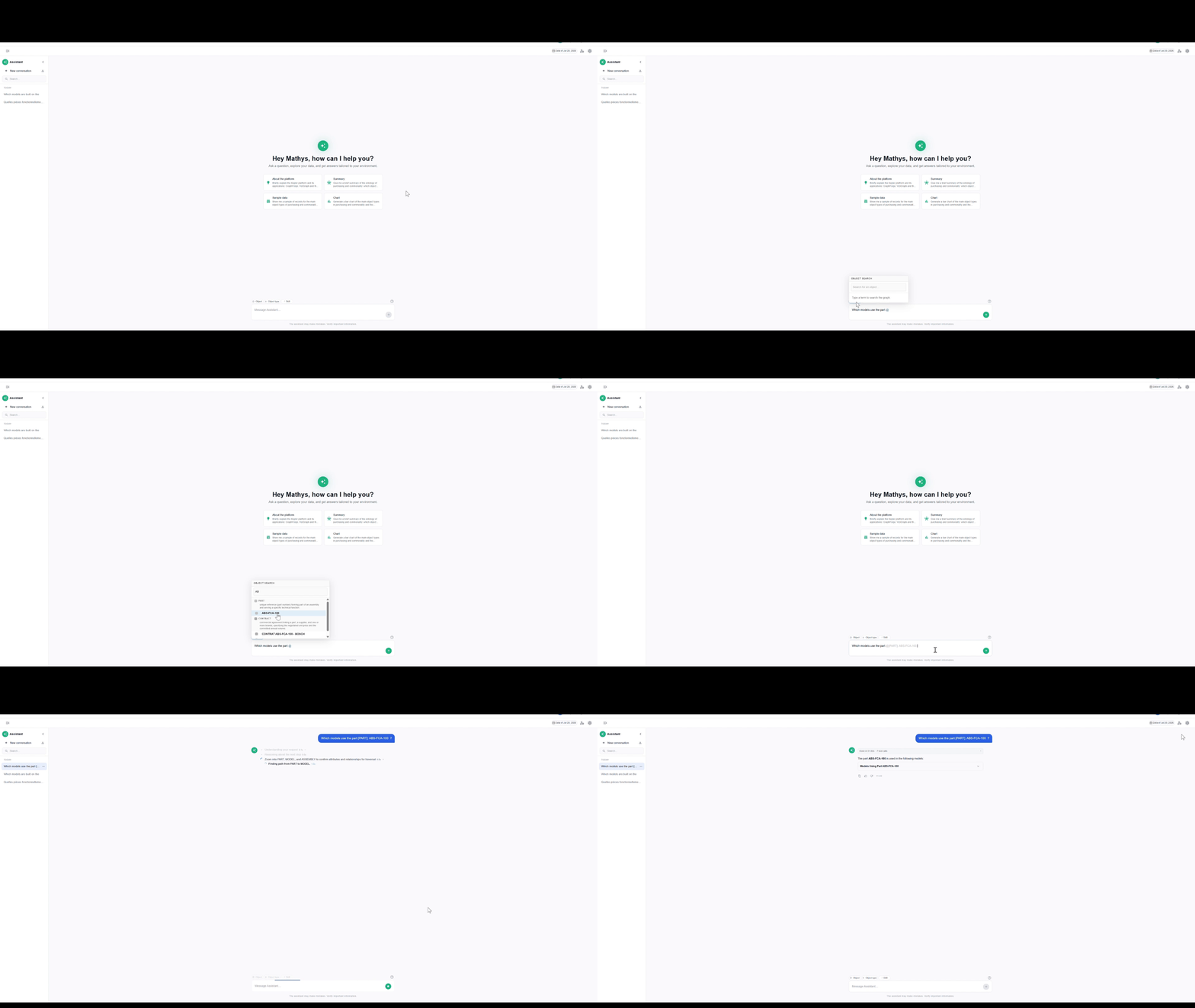
@Object type
Type @ followed by an object type to target a specific type of the ontology.
[TODO: difference with @Object]
Example:
List all @Contract negotiated with Bosch, with their annual volume.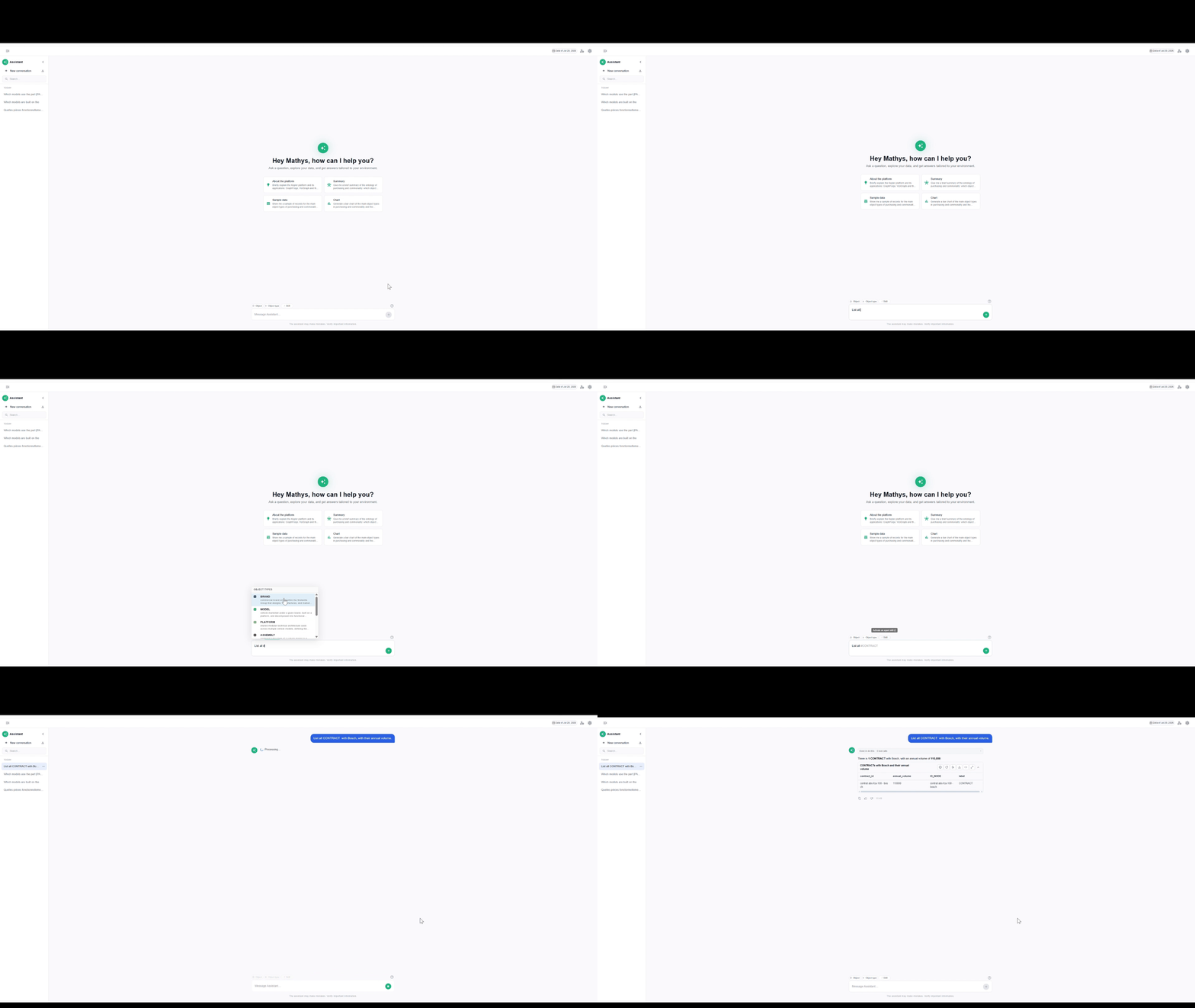
/Skill
Type / in the input field to call one of the environment’s skills: pick the skill, then write your question. The assistant then uses that skill, even if the question is phrased differently.
Example:
/cross-brand-part-price-equivalence Which functionally equivalent parts are being purchased at different prices across our brands?
To learn how skills are created and used, see Use a skill.