Search
Search Bar
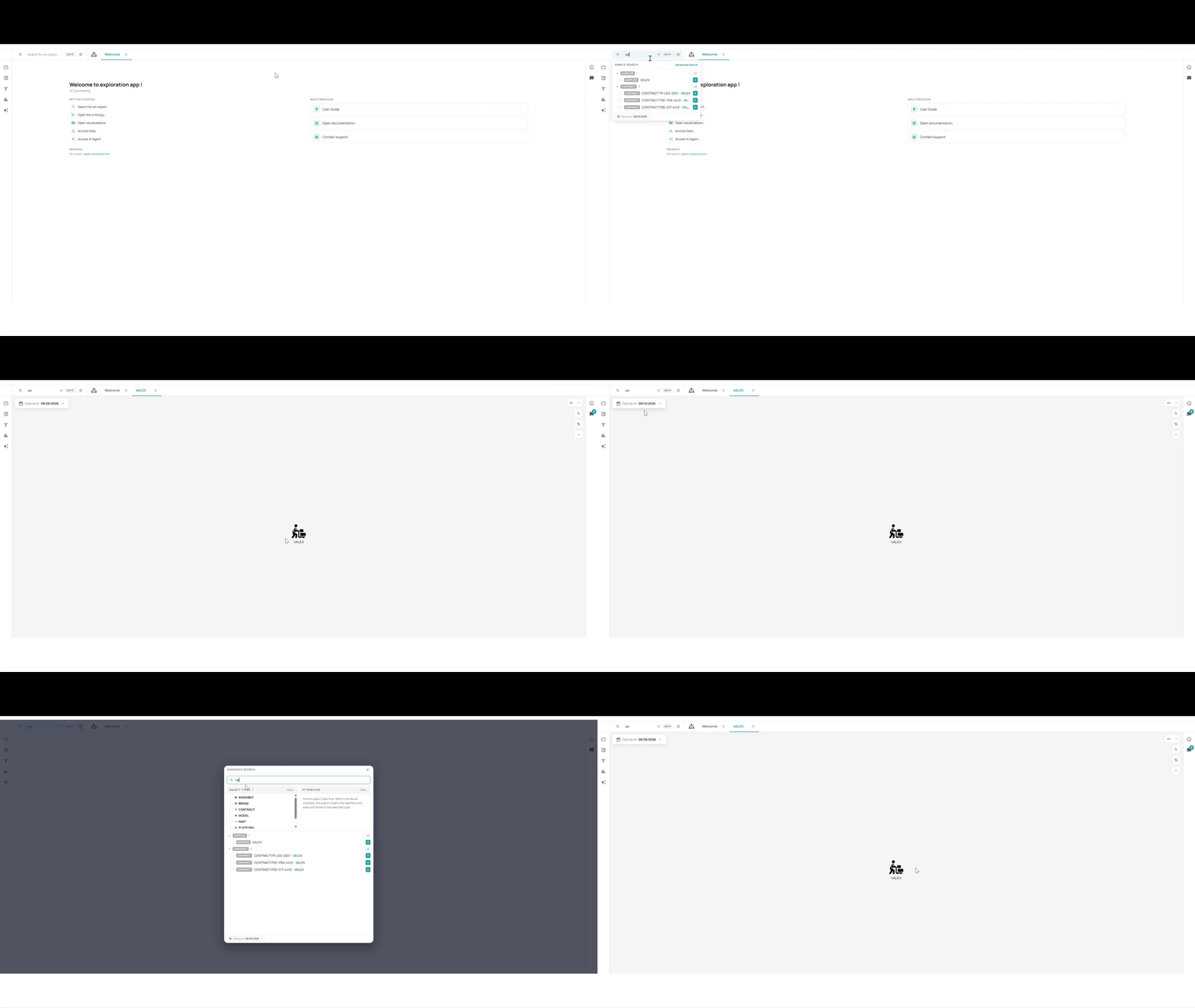
The global search bar is always visible at the top of the screen:
- Object field — type an object identifier to search for (minimum 3 characters)
- Date field — select a reference date; the graph reflects the data valid at that date
- Advanced (⚙️) — opens advanced search options
- Search (green 🔍 button) — triggers the search
Search results open in a new tab in the tab bar.
Advanced Search
Clicking the ⚙️ icon opens the advanced search panel, allowing filtering by object attributes in addition to the identifier.