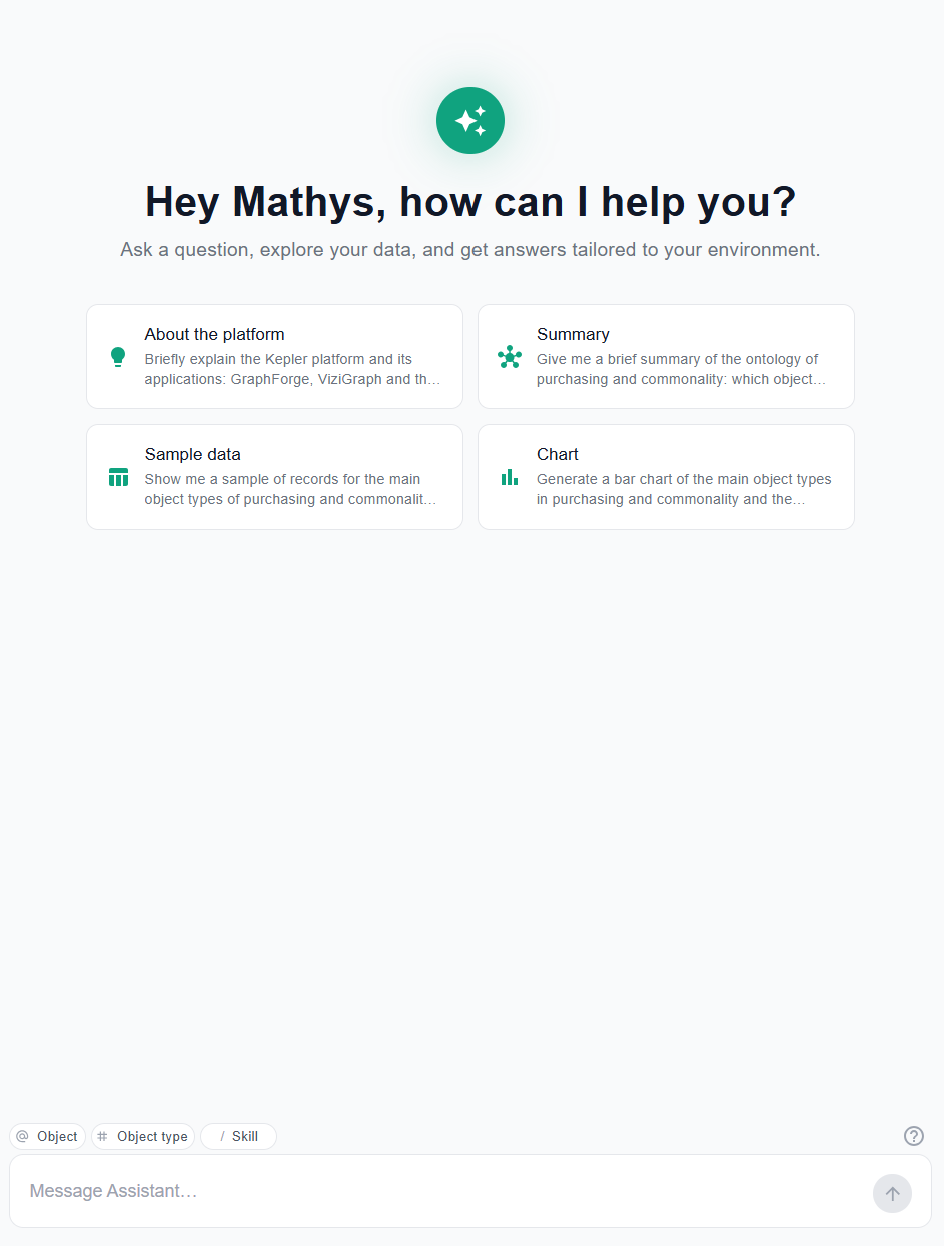
Welcome screen
When you open AI ChatBox, a welcome screen is displayed.
Getting started
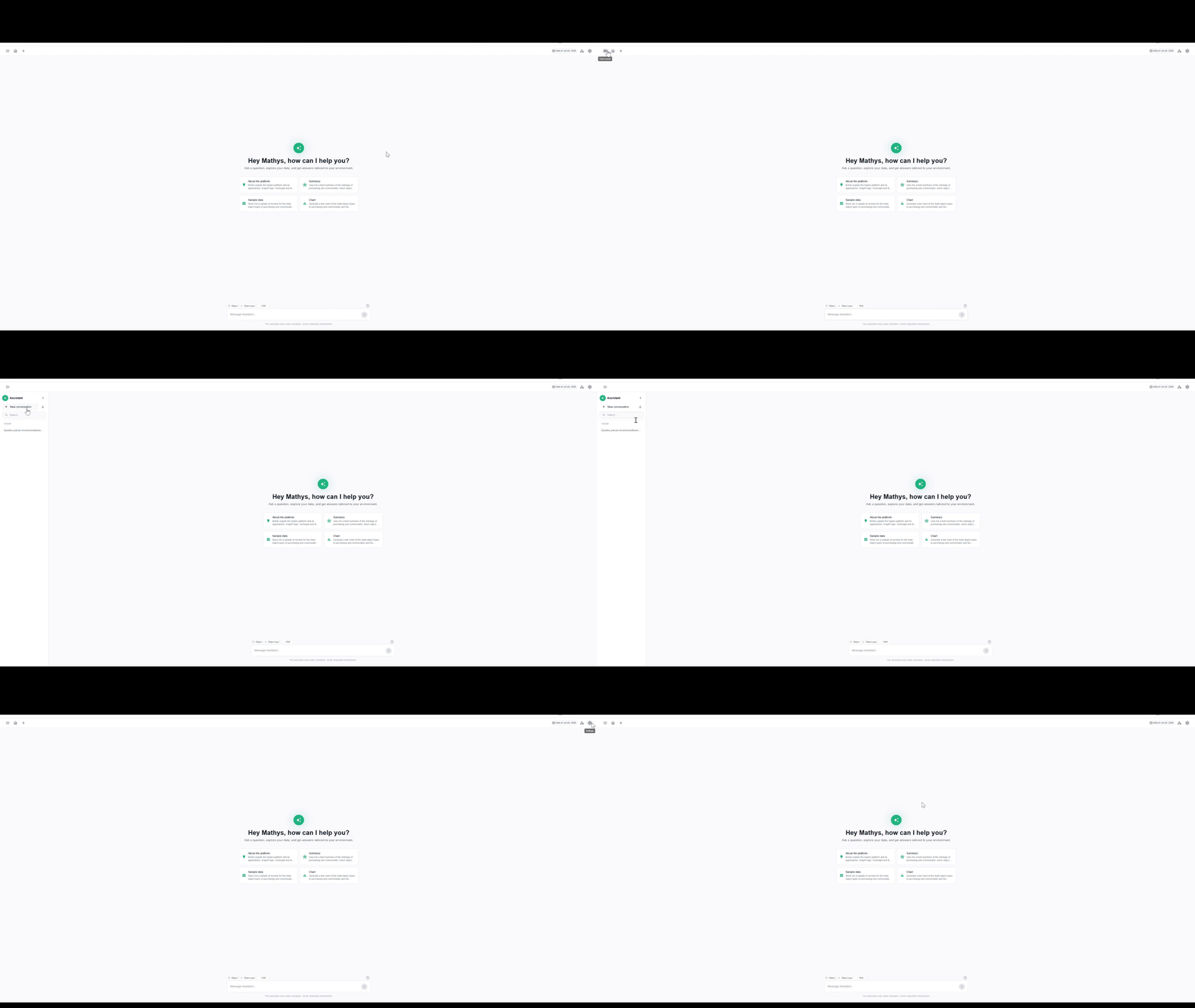
- Input field — type your question in natural language, then submit
- Open panel — opens the AI assistant panel [TODO: describe what this panel contains]
- Home — goes back to the welcome screen
- New conversation — starts a new, empty conversation
- Conversation history — find and reopen your previous conversations
- Setting — opens the display settings
Starter questions
Suggestion cards are displayed below the input field. Click a card to ask the corresponding question directly.
These questions are defined by the environment administrator (see Configure the environment agent).
Example cards:
Which parts are sourced by multiple brands from different suppliers?Which contracts are already shared across multiple brands?Which models are built on the Nova platform?