Visualizations
Visualizations Panel
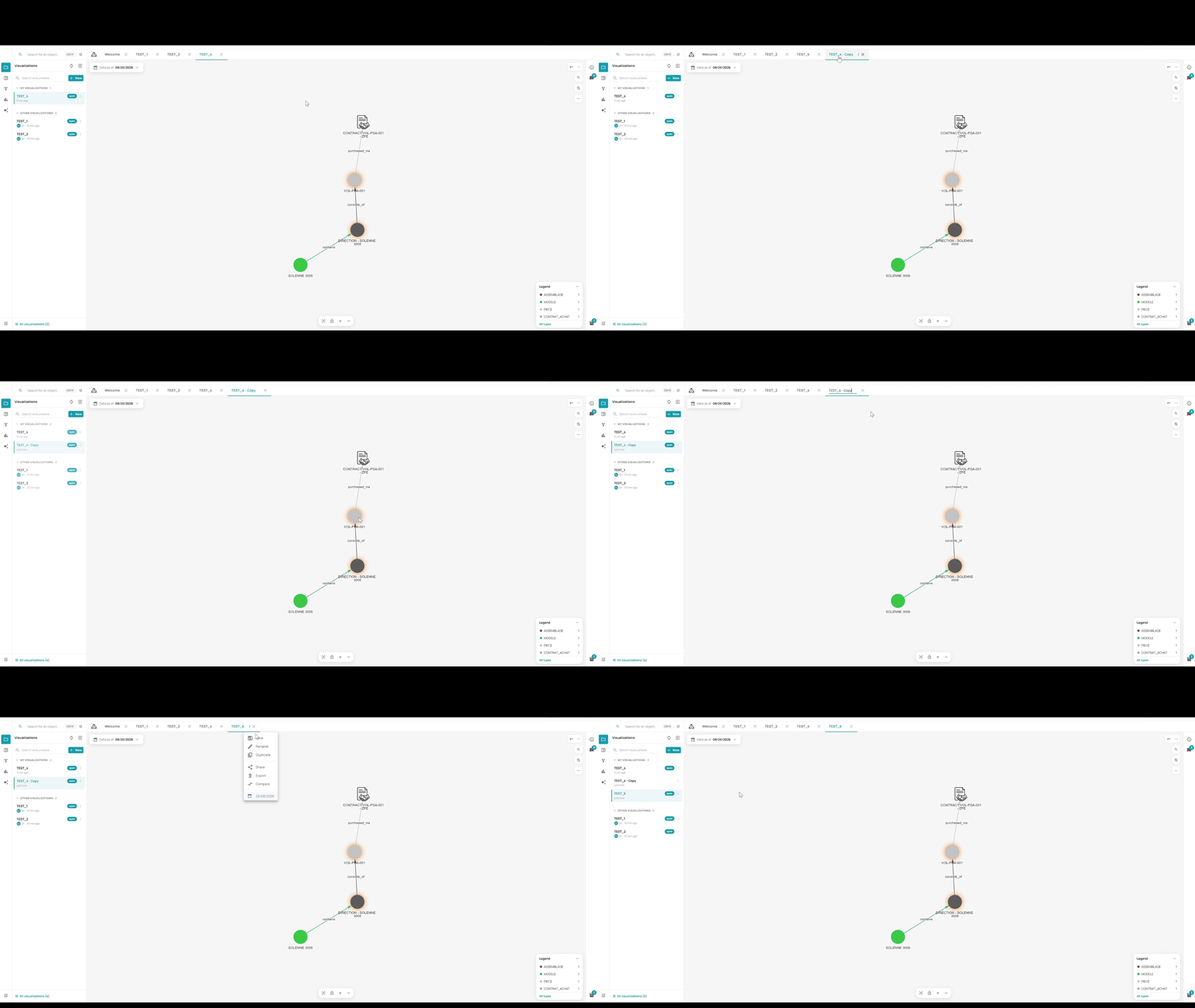
The Visualizations panel (📁) lists all saved visualizations for the current environment:
- My visualizations — visualizations you created, with rename (✏️) and context menu (⋮) options
- Other visualizations — visualizations shared by other members (searchable)
Panel header actions:
- + — create a new empty visualization
- ↺ — refresh the list
- ⬇ — import a visualization from a file
A visualization is a named, saved view of a subset of the knowledge graph. You can have multiple visualizations per environment.
Opening a Visualization
From the Visualizations panel, click a visualization name to open it in a new tab.
Tabs
Explore uses a tab system to manage multiple open visualizations simultaneously. Each tab shows the visualization name. Tabs can be:
- Closed with the ✕ button
- Renamed or managed via the ⋮ context menu
The WELCOME tab is always present and cannot be closed.