Ontology screen
The Ontology mode is the starting screen of every new environment. This is where you design the structure of your knowledge graph.
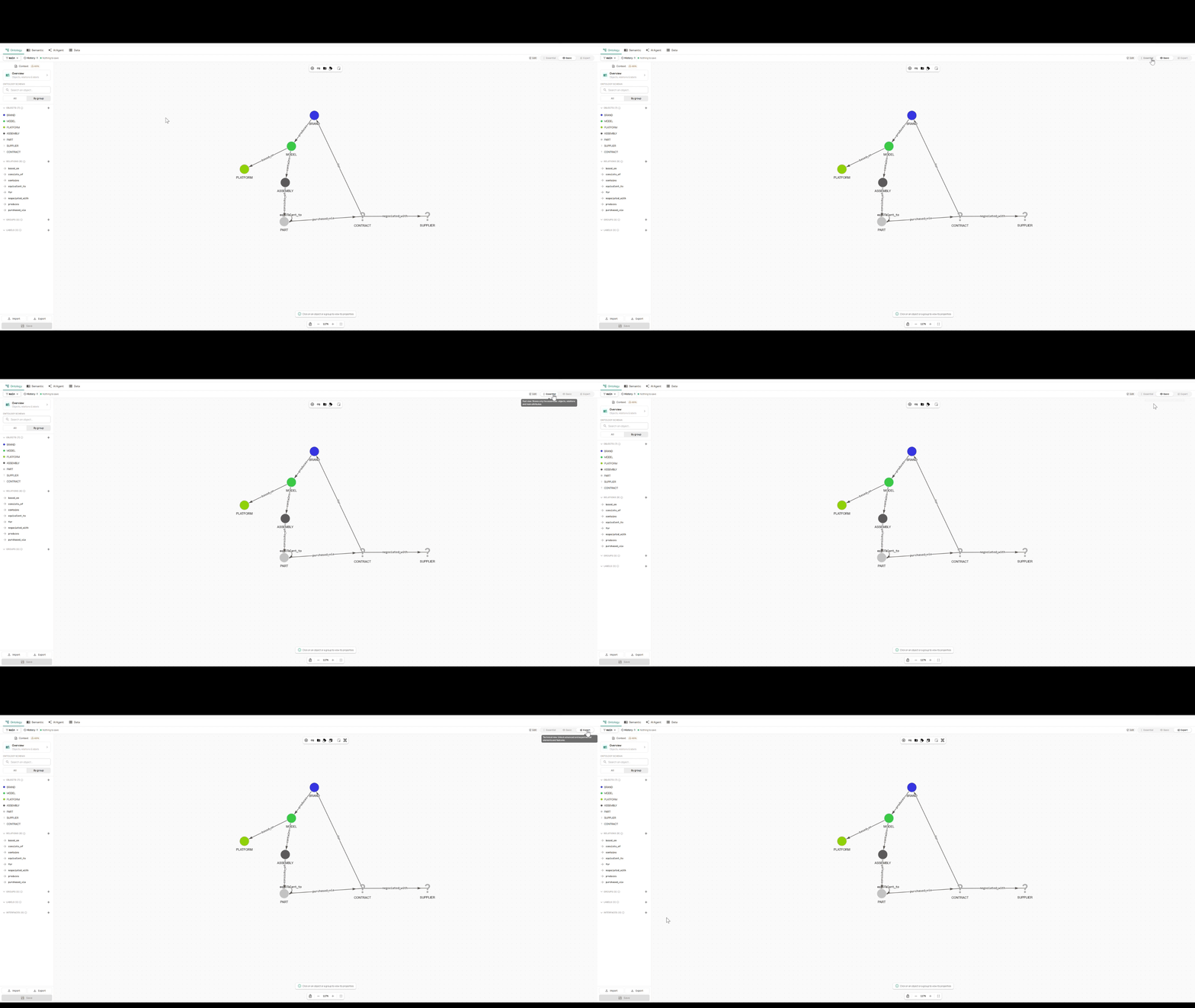
The examples in this chapter are based on a fictitious demo environment: brands (BRAND) produce models (MODEL) based on platforms (PLATFORM). Each model contains functional assemblies (ASSEMBLY) made of parts (PART), purchased through contracts (CONTRACT) negotiated with suppliers (SUPPLIER).
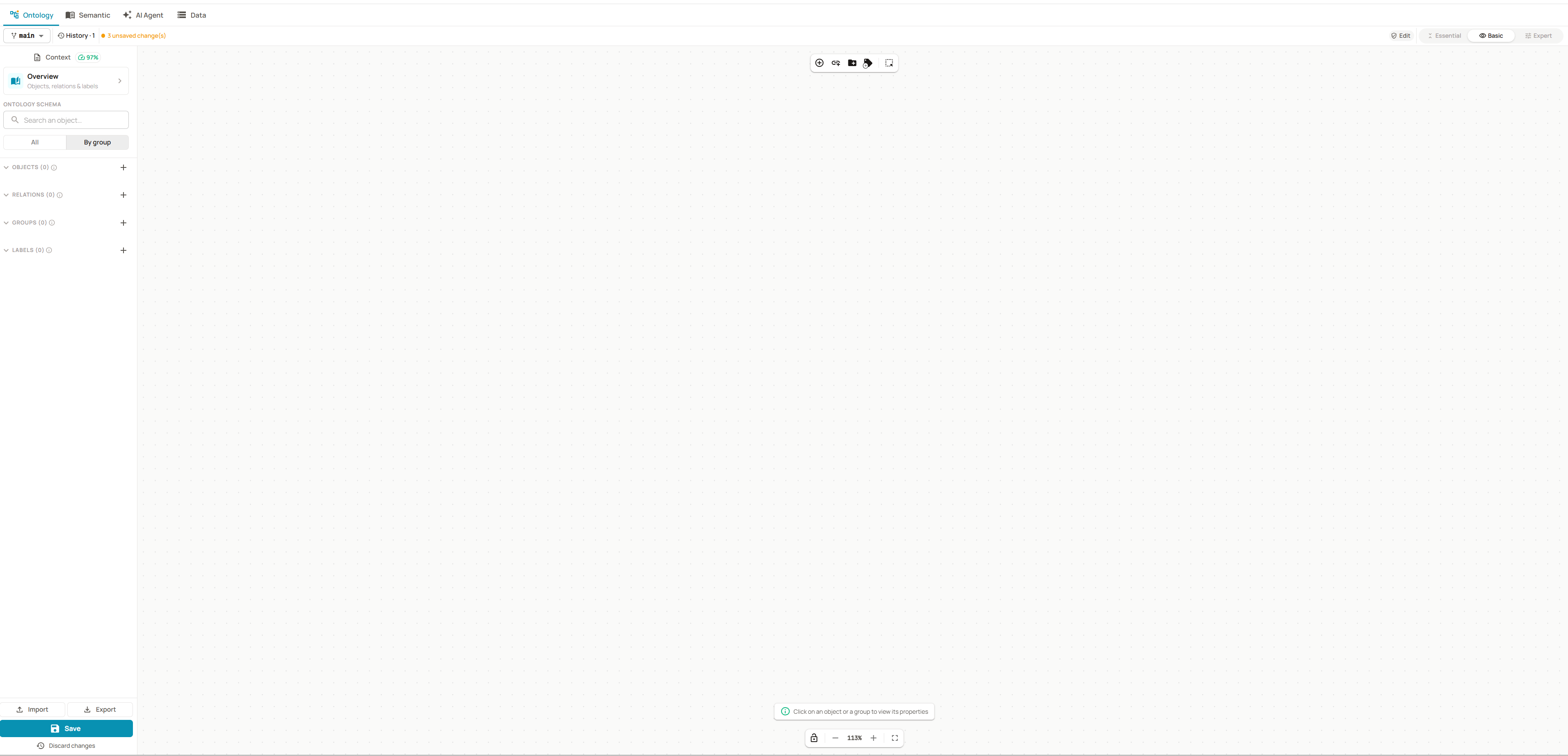
The 3 areas of the screen
- Side list (left) — lists all objects, relations, groups and labels, with a search to find your way as the model grows
- Central diagram — represents the domain graph. You can create and connect elements directly by clicking
- Detail panel (right) — opens as soon as an element is selected, to edit it (name, description, attributes, sensitivity, semantics…)
Display modes
Choose the GraphForge level among 3 modes: Essential, Basic and Expert. Each level adds features to the previous one.
| Mode | Features |
|---|---|
| Essential | The basic features: objects, relations, groups |
| Basic | Labels and ontology quality |
| Expert | Interfaces |
Start in Essential to lay down the structure, then move to a higher level when you need it.
Overview
The overview summarizes the whole ontology: objects, relations, labels, groups, interfaces. It also shows what has already been semantically enriched — and what has not yet. It is a quick way to measure the remaining work without opening each element.
It is read-only and available at any time from the Semantic button.